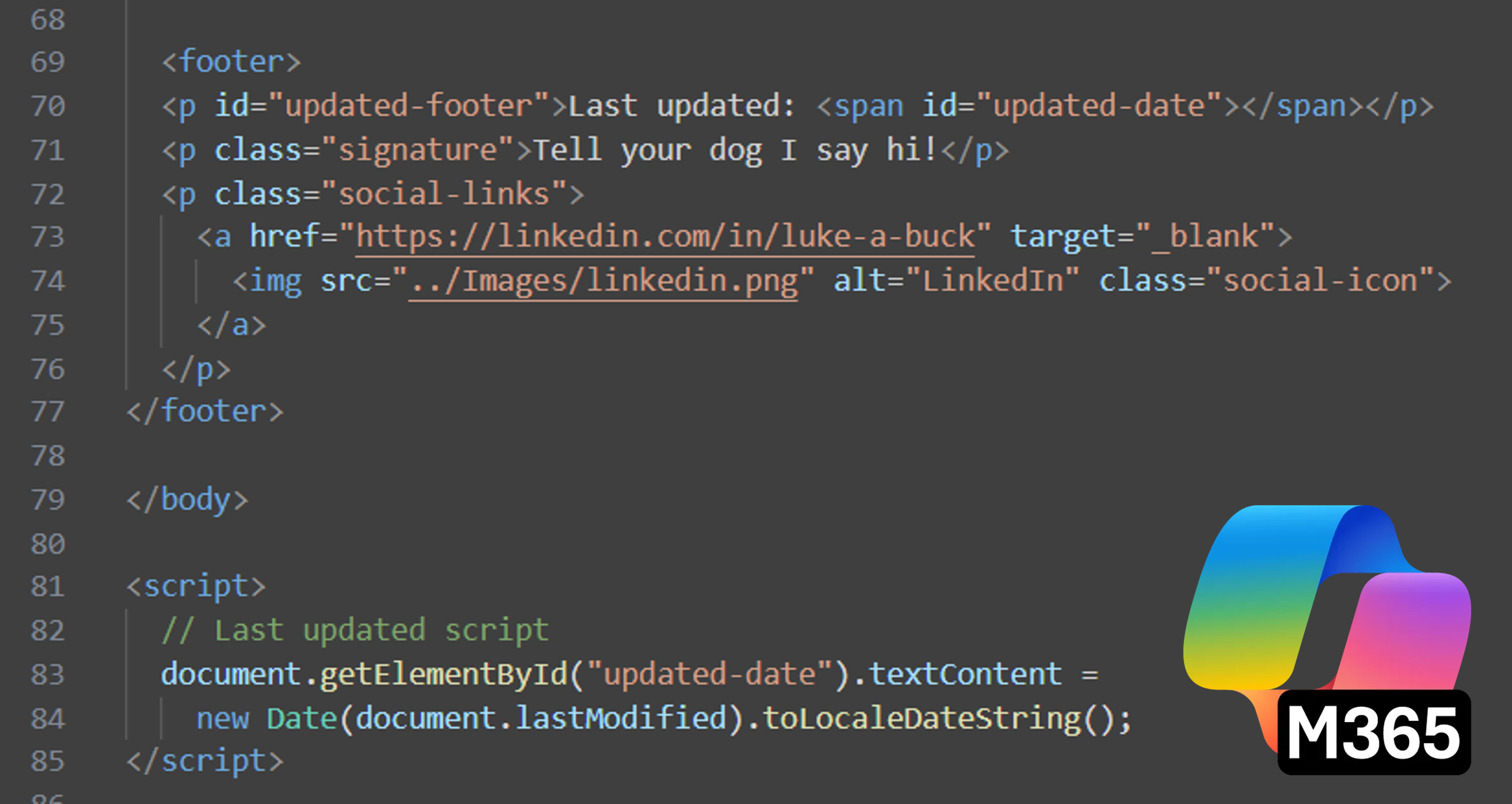
This summer I set out to create a personal website. I wanted a more custom way to showcase my skills and experience than most young professionals. I wanted to stand out. With a background in Python and Java I figured I would pick up HTML quickly. Then an even better thought came to mind - what if I use AI to create a website for me?
During my engineering program at UMaine, I hardly used AI. Not only did professors discourage its use, but it was an unreliable tool; it was unable to reliably solve even simple thermodynamics problems. With all the hype around AI though, I figured it was time to see its potential. Hardly familiar with ChatGPT, I opted for Microsoft's Copilot. It was easy to use and worked better than expected.
Prompting
I started out by asking for a simple website with a navigation bar. I gave Copilot a general idea of color themes, layout, etc. Copilot delivered initial HTML code and CSS styling. From there I began improving and adding features to the website - some ideas mine, some Copilot's. Once the home page was developed I moved to creating a page to showcase my research and projects. Finally, Copilot created a template for articles like this one.
Challenges
Copilot had trouble implementing some of my ideas. Here I had to rely on my coding background and troubleshoot the code myself. Even after informing Copilot of bugs and their potential causes, the chatbot was unable to correct the code. Of all these troubles, the carousels on the home page caused the most headache. Shown below, the carousels are meant to show several cards, each with unique information.
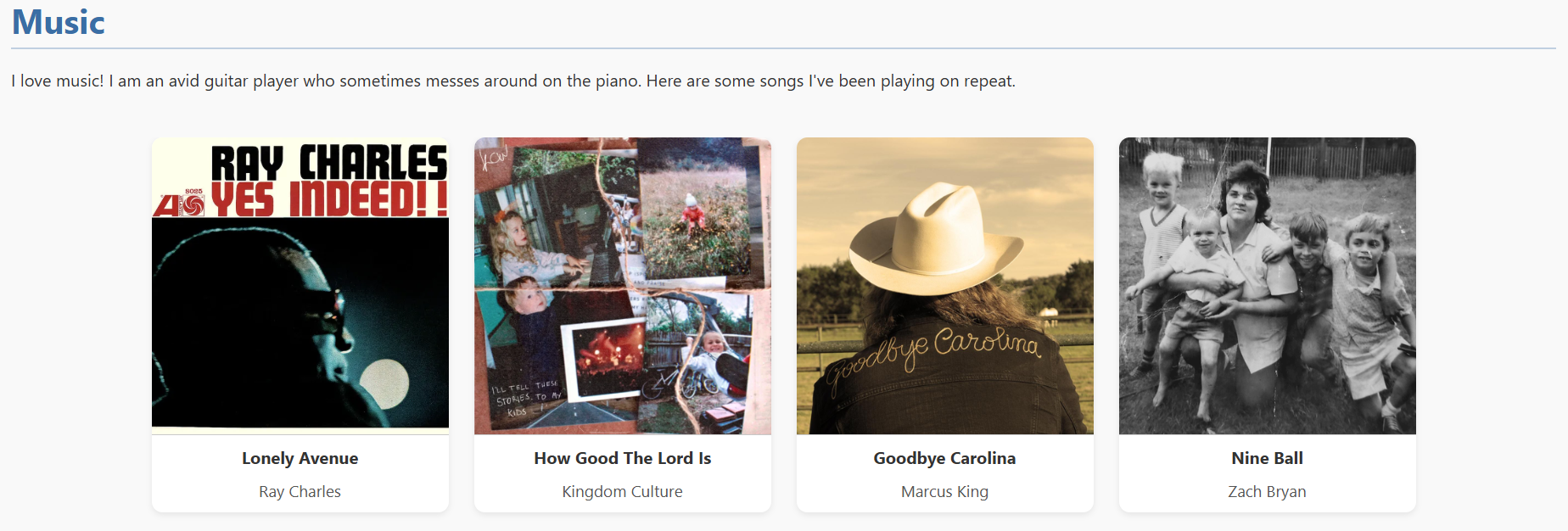
The carousel is meant to be scrollable when its contents extend beyond the display size. Depending on the number of cards in the carousel this might happen on a typical computer display, and most definitely will occur on a smart phone display. Below is the same carousel on a smaller display.
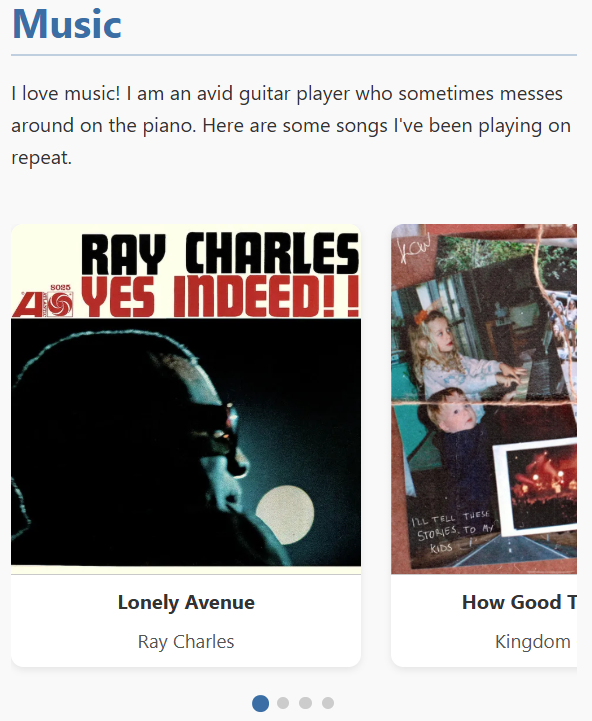
Copilot was able to create the original carousel and it's cards with no problem. Making the carousel scrollable when needed was not so easy. Here I had to modify the code, especially the script listening for display resizing. Additionally, Copilot had trouble only displaying navigation dots when the carousel extended beyond the device display.
Copilot had trouble with lots of other small touches that you might not even notice. For example the footer was difficult to format, the navigation header was hard to size and change dynamically for smaller displays. The border along the header showing scrolling progress on a page was really tricky as well. I'll spare the details, just know Copilot was far from perfect.
Surprises
There were a few things that Copilot did surprisingly well. Of all these things, I was most surprised it was able to create a search bar to find articles on my Projects & Research page. The search bar searches for matching articles based on title and tags. Suggested matches autopopulate below the search bar with the article thumbnail and title. Just as impressive, Copilot was able to create a filter for articles based on creation date and tags.
Summary
Overall I was impressed with Copilot's ability to create this website. It did save time compared to building the website from scratch. One big takeaway however, is that it takes longer to troubleshoot code you didn't write. Using Copilot was still a time-saver, but I wouldn't want anyone looking under the hood on this website. I'm sure there are countless blocks of code that are repetitive or completely unnecessary that I could trim-down or completely eliminate if I looked through the code in its entirety.
And finally, no I did not use AI to write this article!